Prerequisites¶
This demo is written against Ubuntu 24.04 LTS.
What you need on the desk¶
| Item | Notes |
|---|---|
| PC | USB host port that does data |
| ESP32-S3 N16R8 | Dual Type-C DevKitC-class board |
| Climate modules | SHT40 (temp/humidity) + BMP390 (pressure), I2C — spares OK |
| Estardyn 2.0″ ST7789 | 240×320, 8-pin (GND VDD SCK SDA RES DC CS BL), BL → 3V3 |
| microSD module | 3V3 6-pin TF/SPI mini reader + FAT32 microSD (see §4) |
| Solderless breadboard | Full-size 830 |
| DuPont jumpers | M–M (and M–F if modules need them) |
| USB-C data cable | Charge-only cables never enumerate |
Optional later: tact switch, piezo buzzer, status LED.
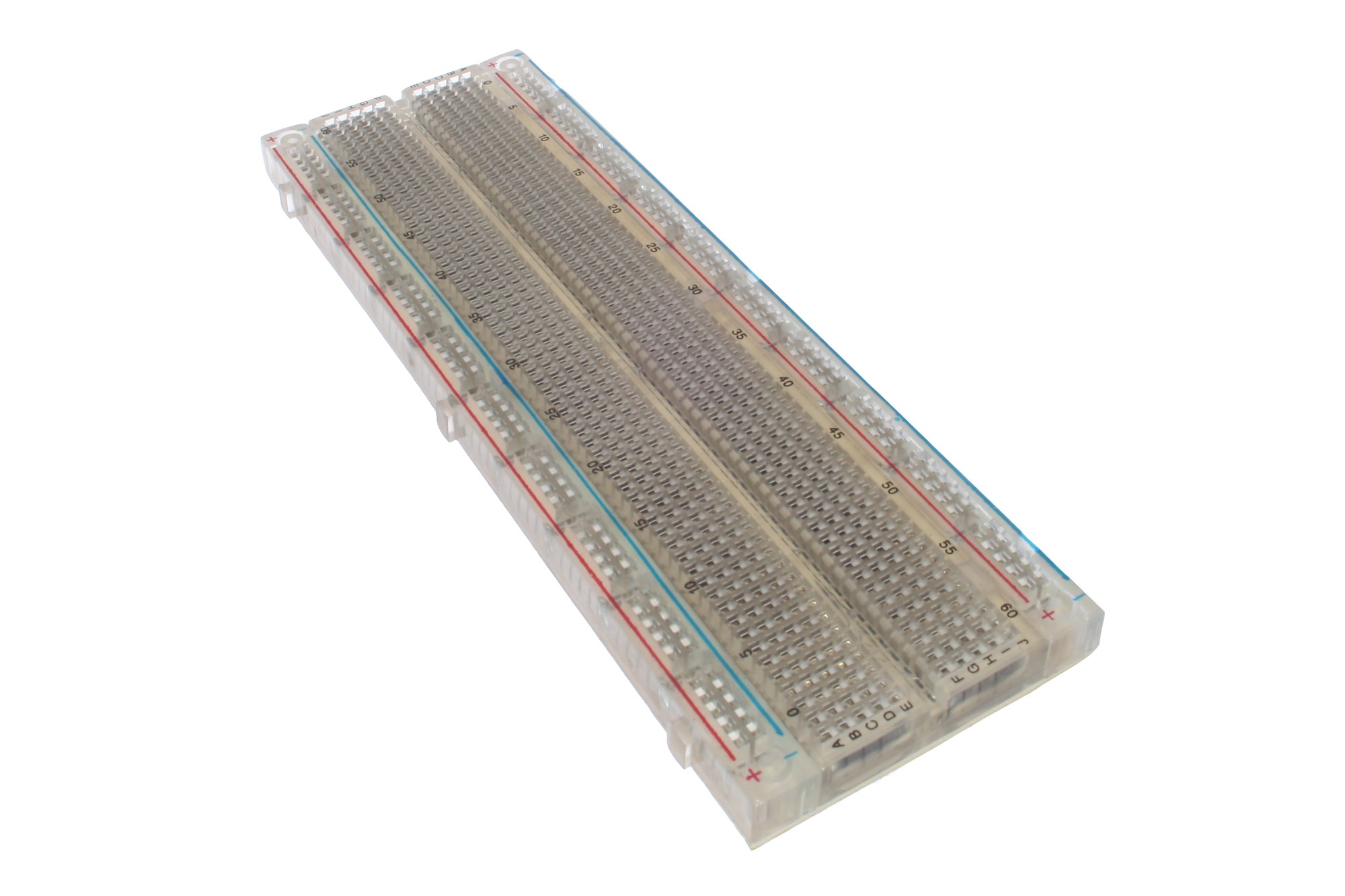
Full-size 830 board (this lab). How the holes are already tied together: Hardware — Breadboard.
1. Base packages¶
sudo apt-get update
sudo apt-get install -y git curl python3 python3-venv software-properties-common
…
Setting up python3-venv …
Setting up software-properties-common …
python3-venv is there because the PlatformIO installer in section 2 builds a virtual environment with the distro Python.
Docs authoring uses a newer Python (3.14). Ubuntu 24.04 ships 3.12, so add the deadsnakes PPA first:
sudo add-apt-repository -y ppa:deadsnakes/ppa
sudo apt-get update
sudo apt-get install -y python3.14 python3.14-venv
…
Setting up python3.14 …
Setting up python3.14-venv …
Check:
git --version
/usr/bin/python3.14 --version
curl --version | head -1
git version 2.43.0
Python 3.14.6
curl 8.5.0 (x86_64-pc-linux-gnu) libcurl/8.5.0 OpenSSL/3.0.13 …
2. PlatformIO CLI¶
Install PlatformIO Core with the official installer script. It creates its own virtual environment under ~/.platformio/penv. Run it as your normal user, without sudo. It uses the distro python3, not the 3.14 used for docs.
curl -fsSL -o /tmp/get-platformio.py https://raw.githubusercontent.com/platformio/platformio-core-installer/master/get-platformio.py
python3 /tmp/get-platformio.py
…
pio lands in ~/.platformio/penv/bin, which is not on PATH yet. Add it for this shell and for future shells:
export PATH="$HOME/.platformio/penv/bin:$PATH"
echo 'export PATH="$HOME/.platformio/penv/bin:$PATH"' >> ~/.bashrc
command -v pio
/home/johna/.platformio/penv/bin/pio
Confirm:
pio --version
PlatformIO Core, version 6.1.19
If pio: command not found, open a new terminal (or run source ~/.bashrc) and retry. esptool, used in Phase 0, is in the same folder at ~/.platformio/penv/bin/esptool.
3. USB dialout (once)¶
From the repo root:
sudo ./scripts/setup-linux-usb.sh
Installing udev rules → /etc/udev/rules.d/99-platformio-udev.rules
…
Setup complete.
Log out/in (or reboot), then unplug/replug the board.
4. Format the microSD (FAT32)¶
Phase 8 needs a FAT32 card (FAT16 also works; exFAT is out of scope for v1). Format on the Ubuntu host with a USB card reader before you seat the card in the Temu SPI module.
Plug the reader, insert the card, then find the removable disk (this bench: Super Top reader → /dev/sda, not the NVMe system disk).
lsblk -o NAME,SIZE,TYPE,TRAN,RM,MODEL,FSTYPE,MOUNTPOINT
NAME        SIZE TYPE TRAN   RM MODEL                   FSTYPE MOUNTPOINT
sda         125G disk usb     1 Storage Device
└─sda1      125G part
nvme0n1   931.5G disk nvme    0 Samsung SSD 980 PRO 1TB
├─nvme0n1p1   1G part …                             vfat   /boot/efi
└─nvme0n1p2 …
Confirm RM=1, TRAN=usb, and a non-zero SIZE. A reader with SIZE 0B means no media — reseat the card. Never format nvme* / your root disk.
Unmount if the desktop auto-mounted it, then write a single FAT32 partition labelled CLIMATE:
# replace sda if lsblk showed a different letter — double-check RM=1 TRAN=usb
sudo umount /dev/sda1 2>/dev/null || true
sudo wipefs -a /dev/sda
sudo parted -s /dev/sda mklabel msdos
sudo parted -s /dev/sda mkpart primary fat32 1MiB 100%
sudo mkfs.vfat -F 32 -n CLIMATE /dev/sda1
sync
lsblk -o NAME,SIZE,FSTYPE,LABEL /dev/sda
sudo blkid /dev/sda1
NAME    SIZE FSTYPE LABEL
sda     125G
└─sda1  125G vfat   CLIMATE
/dev/sda1: LABEL="CLIMATE" UUID="…" BLOCK_SIZE="512" TYPE="vfat" PARTUUID="…"
Eject safely, then move the card into the 6-pin TF/SPI reader on the breadboard for Phase 8.
Large cards
Hosts often show SDXC as 64–128 G. Linux mkfs.vfat -F 32 still works. The ESP32 firmware mounts FAT32 via SdFat; stick to FAT32 (not exFAT) for this lab.
Checkpoint — prerequisites¶
- [ ]
git, Python 3.14, andcurlwork - [ ]
pio --versionworks without sudo - [ ] USB dialout / udev done (
setup-linux-usb.sh) - [ ] microSD shows FAT32 / label CLIMATE on the host
- [ ] Hardware, breadboard, jumpers, and a data cable are on the desk
Next: Phase 0 — USB erase